Does an AI Watermark Remover Upload Your Image?
Most of them do. You hand the file to someone else's server, it gets processed there, and a result comes back. That is not something you have to take on trust — you can check any tool yourself in about a minute, and this page shows you how.
The short version: open your browser's DevTools Network tab, run one watermark removal, then count the requests that carry your image. Zero means it stayed on your device. Anything above zero means it left.
This page also states plainly what happens here, and what you give up for it.
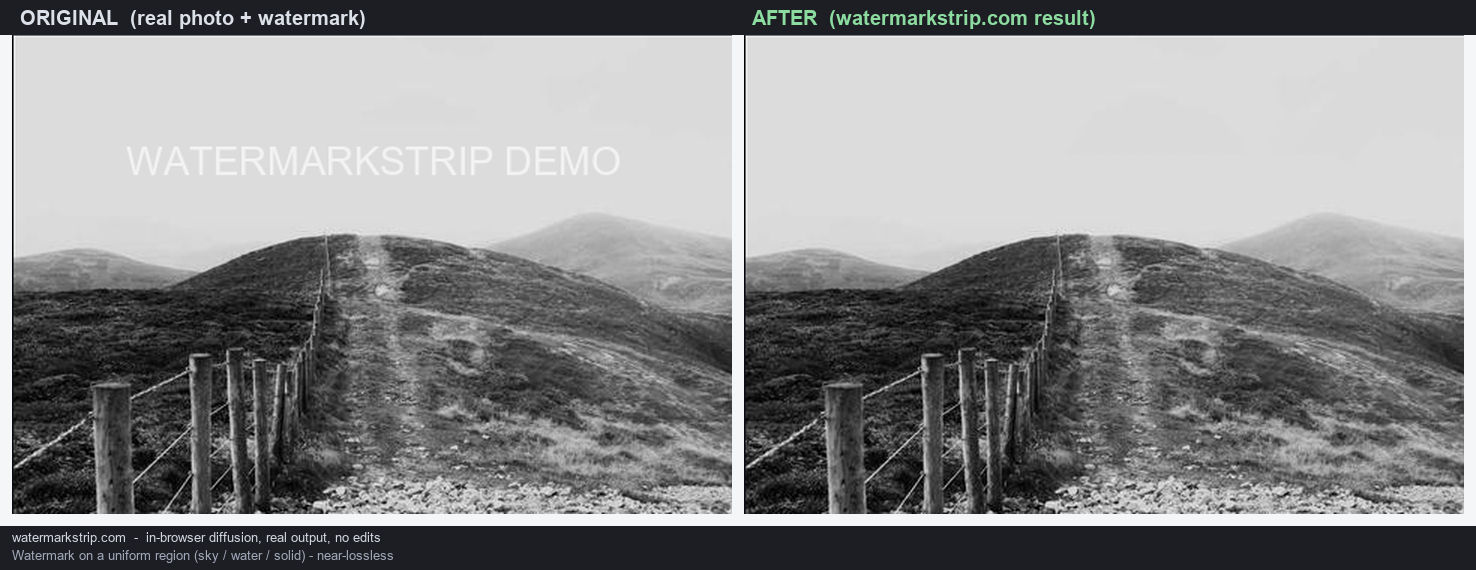
The 60-second test you can run on any tool
This works on Chrome, Edge, Firefox and Safari, on desktop or mobile, and it does not require any technical background.
- Step 1. Open the tool's page. Press F12 (or right-click → Inspect) and switch to the Network tab.
- Step 2. Load an image and run one removal, exactly as you normally would.
- Step 3. Look at the list of requests that appeared. Hover or click any of them to see what was sent. If a request carries your image — often as a
multipart/form-dataupload or a large binary body — your file left your device. - Step 4 (the one that settles it). Turn off your Wi-Fi and mobile data after the page has finished loading, then run another removal. If it still produces a result, the processing was never dependent on a server. If it fails or spins forever, it was.
The offline test is the strongest of the four, because it does not depend on you correctly interpreting a request list. A tool that cannot reach a network either works or it does not.
What "in-browser" and "private" claims usually mean in practice
Marketing language in this category is often doing more work than the architecture can support. Rather than characterise anyone else's claims, here are exact quotes from two large tools in this space, so you can read them yourself.
- One tool's main watermark page states: "All processing happens on secure servers with short retention windows. You control file deletion." — which is an upload, described accurately.
- The same site's AI watermark remover page states: "Edits stay on your canvas. You choose what to mask and what to keep. No forced uploads to public galleries." — note that this commits to no public upload, which is not the same as no upload.
- Its free watermark remover page describes itself as "browser based" while its body text opens with "When you upload an image to our watermark removal tool".
None of this makes those tools bad. It means you should read the sentence carefully rather than the adjective. "Browser based" frequently means "the interface is a web page", not "your data never leaves the machine".
Every tool named above uses a cloud model to do the fill — they pick from generative models such as Seedream 4, Quen, Nano Banana or Kontext. A model that size does not run in a browser tab, so the image has to travel to it.
What happens to your image on this site
Stated at the code level, so you can check it rather than believe it:
- The tool's JavaScript contains no
fetch, noXMLHttpRequest, noWebSocketand nosendBeaconcall. There is no code path that could send a file anywhere. - The only
fetchin the whole project is in the server-side worker that serves the page's own static assets. It never touches your image. - Across every
.jsand.htmlfile in the project there is no external URL and no third-party link. Nothing is loaded from another domain. - The fill is computed by Telea's Fast-Marching Method, implemented directly in the page. It propagates pixels you already have; it does not call a model.
You can confirm all of this in under a minute with the Network and offline tests above. That is the point — the claim is designed to be checkable, not taken on faith.
When the difference actually matters
For a holiday photo with a date stamp, uploading is harmless. There are cases where it is not:
- Images containing people who have not consented to a third-party upload — passports, ID documents, medical images, photos of clients or patients.
- Unreleased material — an unrendered product shot, a draft contract scan, a pre-announcement asset.
- Anything under an agreement that restricts onward disclosure — NDAs, client contracts, internal-only documents.
- Evidentiary or journalistic material — where the chain of custody of the original file matters, and where it also matters that no pixels were invented (see the related guide below).
In those cases a weaker local result is often worth more than a prettier cloud one.
What you give up for it
Stated honestly, because the trade-off is real:
- No batch. One image at a time. Cloud tools can process fifty at once.
- No video. Images only in this build.
- No auto-detection. You paint the watermark yourself. Cloud tools can often find it for you.
- Device-limited. Very large images can be slow, and are bounded by your browser's memory rather than someone else's GPU.
- Simpler fills. On complex, large or textured watermarks, a large cloud model will often produce a cleaner result than a propagation algorithm. This tool is at its best on small or simple marks over reasonably smooth areas.
If none of those constraints bite for your task, a cloud tool is a perfectly reasonable choice. The point of this page is not that uploading is wrong — it is that you should know which one you picked.
FAQ
- Can you see my image? No. It is processed in your own browser session and there is no code that transmits it.
- Do I need an account? No. There is no login, no signup and no popup.
- Is it really free? Yes. There is no credit system, quota or paid tier.
- Does it work offline? Once the page has loaded, yes — because nothing in the removal step needs a network. Load the page while connected, then run the offline test above.
- What formats? Input PNG, JPG, JPEG, WebP, BMP and GIF (first frame). Output PNG, or JPEG if you choose it at download.
- Does it invent pixels? No. It fills the area by propagating pixels that already exist around the mark, rather than generating new content from a model.