Watermark Removal Without Uploading Your Image
Then pick a tool whose entire pipeline - file loading, processing, export - stays inside the browser tab. Most online watermark removers cannot offer that: their fill runs on a cloud model, so your file has to travel to it first. A genuinely no-upload tool is a different architecture, not a marketing adjective, and you can verify which one you are looking at in the page source in about a minute.
When it is non-negotiable: the image contains anything a third party should not receive - identity documents, medical imagery, faces of people who did not consent, contracts, unreleased product material, anything under an NDA. What it costs: your device's processor and memory instead of a datacenter's, one image at a time, images only, and a fill that moves your own pixels instead of generating new ones.
This page uses the tool on this site as the worked example, because every claim below can be checked directly in its source code - and the same checks apply to any tool that claims to keep your file local.
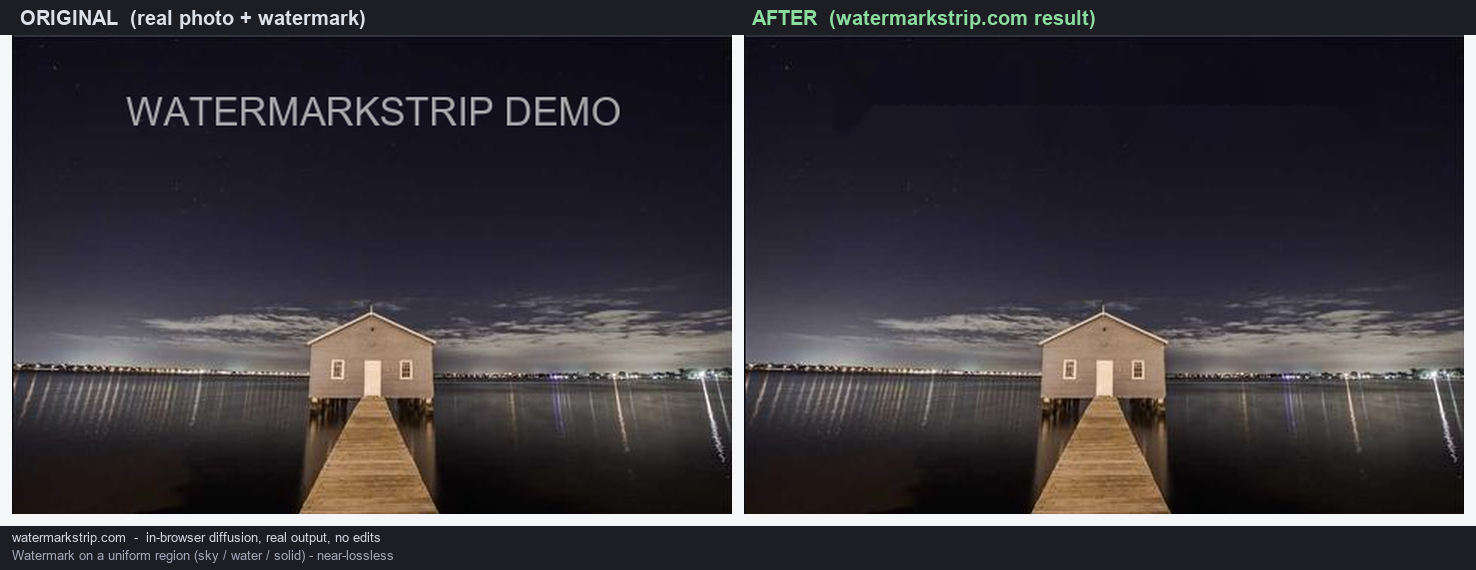
What "no upload" has to mean in the code
"No upload" is not a setting you can switch on; it is a property of the architecture. A tool keeps your image local only if all four of these are true:
- The file is opened locally. Your image is read through a local object URL and drawn into a canvas element inside the page. No step serialises the file or puts it on the network.
- The pixels are processed in the page. The removal is a JavaScript fill algorithm running on canvas pixel data in your tab - the same computation whether you are online or offline.
- There is no code path that could transmit anything. The tool's script contains no
fetch, noXMLHttpRequest, noWebSocketand nosendBeacon. With those four absent, there is no mechanism left in the code that could send a file, a blob or a pixel anywhere. - The result is saved locally. The download is produced by the canvas itself and handed to you through another local object URL. It never passes through a server on its way to your disk.
One more thing to check: what the page loads. This tool's page loads exactly two files, both from the same site - its stylesheet and its script. There is no third-party script, font or analytics tag, so there is no other party in the loop at all.
Images that should not be uploaded at all
Uploading is harmless for a holiday photo with a date stamp. For these, treat local processing as the default rather than the exception:
- Identity documents - passports, ID cards, licences, visas.
- Medical imagery of any kind.
- Photos of people who have not consented to a third party receiving their image.
- Contracts, statements and financial paperwork.
- Unreleased material - unannounced product shots, draft designs, pre-launch assets.
- Anything covered by an NDA or a client agreement that restricts onward disclosure.
"We delete files after processing" is a policy, not an architecture: the file has already left your device by the time that promise applies, and policies can change. For the categories above, the conservative move is to not make the trade at all - process locally, or not.
The exact price of no-upload
Stated precisely, because the trade-offs are real and you should know them before you pick:
- Your hardware does the work. Memory and speed are bounded by your browser, not someone else's GPU. Above 40 megapixels this tool shows a notice: "Image is very large; processing may be slow or limited by browser memory." If you hit that ceiling, downscale first.
- One image at a time. There is no batch queue. Fifty files means fifty passes.
- Images only. The loader rejects anything it cannot read as an image, so video is out of scope in this build.
- You mark the watermark yourself. There is no auto-detection - the mask exists only where you paint it.
- A finite brush. Stroke width runs from 4 to 120 pixels, so a large mark is covered by several strokes rather than one click.
- A propagation fill, not a generative one. The masked area is rebuilt from the pixels around it. On small or simple marks over smooth areas the result is clean; on large marks over detailed texture it looks softer than a cloud model's fill - with the difference that none of it is invented.
- No account features. No history, no cross-device sync, no saved presets - there is no server to keep them. That is the same fact producing both the privacy and the missing convenience.
If none of those constraints bite for your task, a cloud tool is a reasonable choice. If any of them does - or you cannot tell where your file would end up - the constraints above are the price of certainty.
Keeping any tool honest about "no upload"
The checks are quick, and they work on any tool, not just this one:
- Search the source. Open the tool's page source and search four terms:
fetch(,XMLHttpRequest,WebSocket,sendBeacon. Four searches, about a minute. Any hit deserves a question before you trust the page with a sensitive file; zero hits means there is no send path in the code. - Check what the page loads. Look for script, font or analytics tags pointing at other domains. Each one is a third party in your loop.
- Run one offline pass. After the page has fully loaded, disconnect from the network and run one removal. If it still produces a result, the processing never depended on a server.
- Treat accounts as a flag. An account means a standing relationship with a server. It does not prove uploading, but it is one more thing to verify.
One honest caveat: "no upload" is a property of the code as deployed today, not a promise about the future. That is exactly why the claim here is written to be re-checkable at any time - the four-term search above takes a minute and never stops working.
FAQ
- Does no-upload mean worse results? On small or simple watermarks over smooth areas, usually not visibly. On large marks over detailed texture, a cloud generative model can look richer. The trade: none of its pixels are invented, and none of your file leaves the device.
- Can it handle a 60-megapixel photo? Above 40 megapixels the page warns that processing may be slow or limited by browser memory. Downscaling first is the reliable path.
- What about HEIC or AVIF? The file picker offers PNG, JPEG, WebP, BMP and GIF. A dropped file is accepted if the browser recognises it as an image and can decode it; otherwise it is rejected with a message. Convert first if your format is not on the list.
- Does an incognito window add privacy? Not for uploads - private windows change what your browser keeps, not what a website sends. Here it is irrelevant by design: nothing is sent.
- Is it really free with no signup? Yes. No account, no quota, no paid tier, no popup - there is no server that could gate any of it.